iOS · iPadOS · macOS App
 Inkfurrow
A quiet writing app. Plain Markdown, set as you type, on warm paper with a single ink. Your notes stay plain files you own.
Screens
A quick look
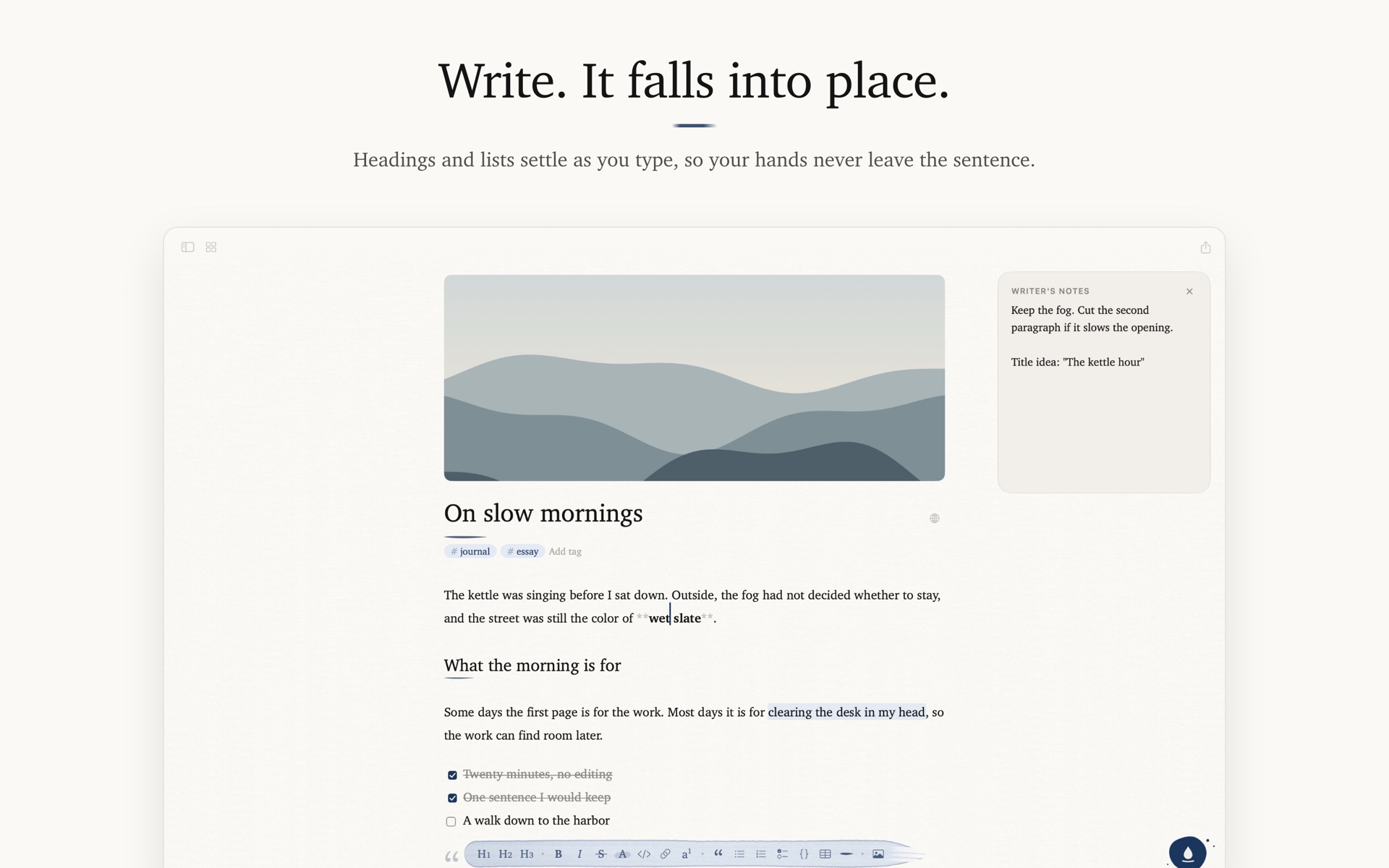
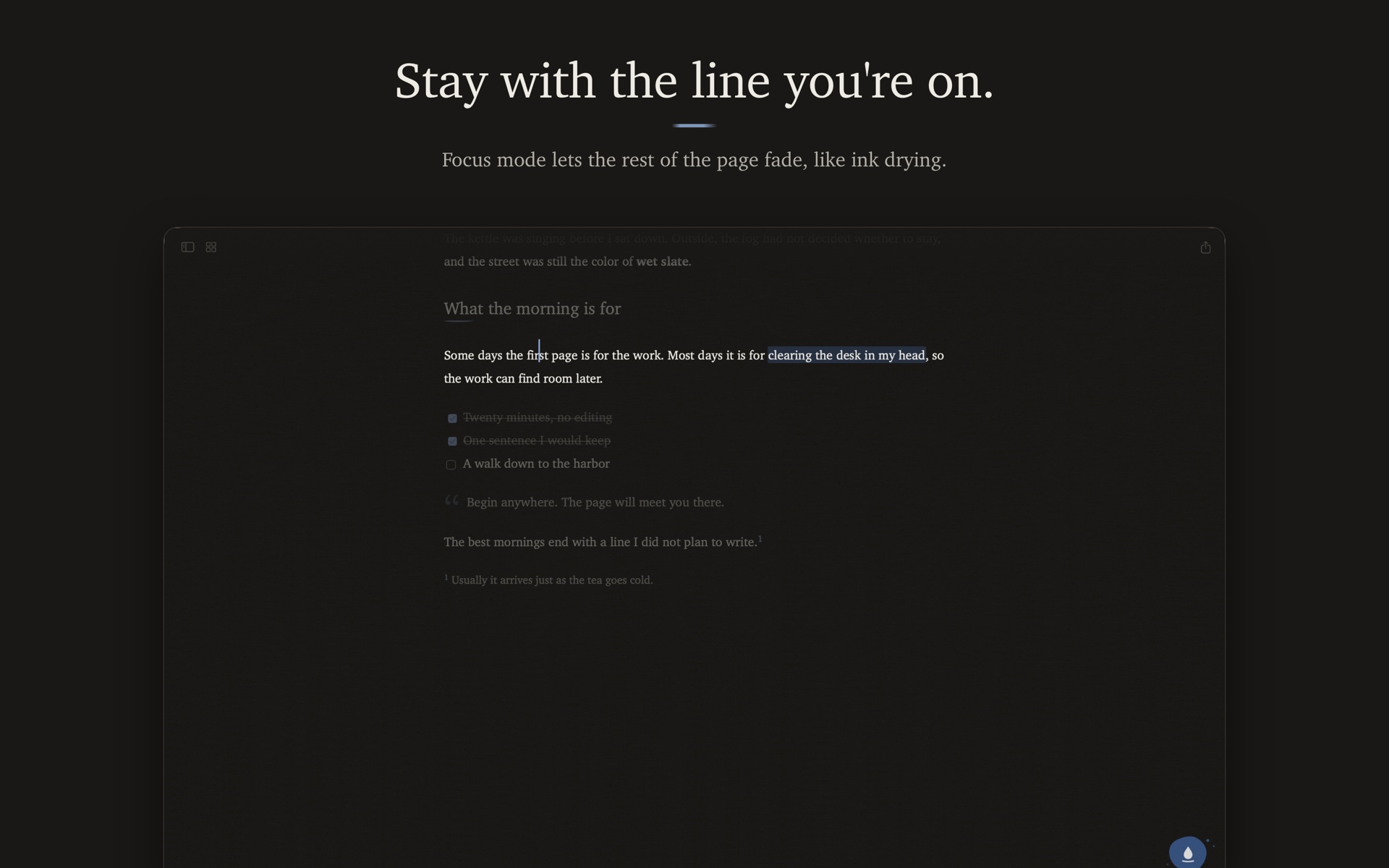
Write, and let the page set itself.
Inkfurrow is a quiet writing app for Mac, iPhone, and iPad. You write plain Markdown and it is set as you type, on warm paper with a single ink. No clutter, no distractions, just your words.
Markdown, Set as You Type
Type ## and the line becomes a heading. Wrap a word in ** and it turns bold. The Markdown stays in the text, so you never lose it, and you can fade or hide the symbols when you just want to read.
- Formatting Toolbar: Headings, lists, code blocks and more, so Markdown is optional
- Tables, Task Lists, Footnotes, Highlight: Drawn on the page as you write
- Focus & Typewriter Modes: Keep your eyes on the line you're writing
- Quick Open: Jump to any note in a few keystrokes
A Library You Own
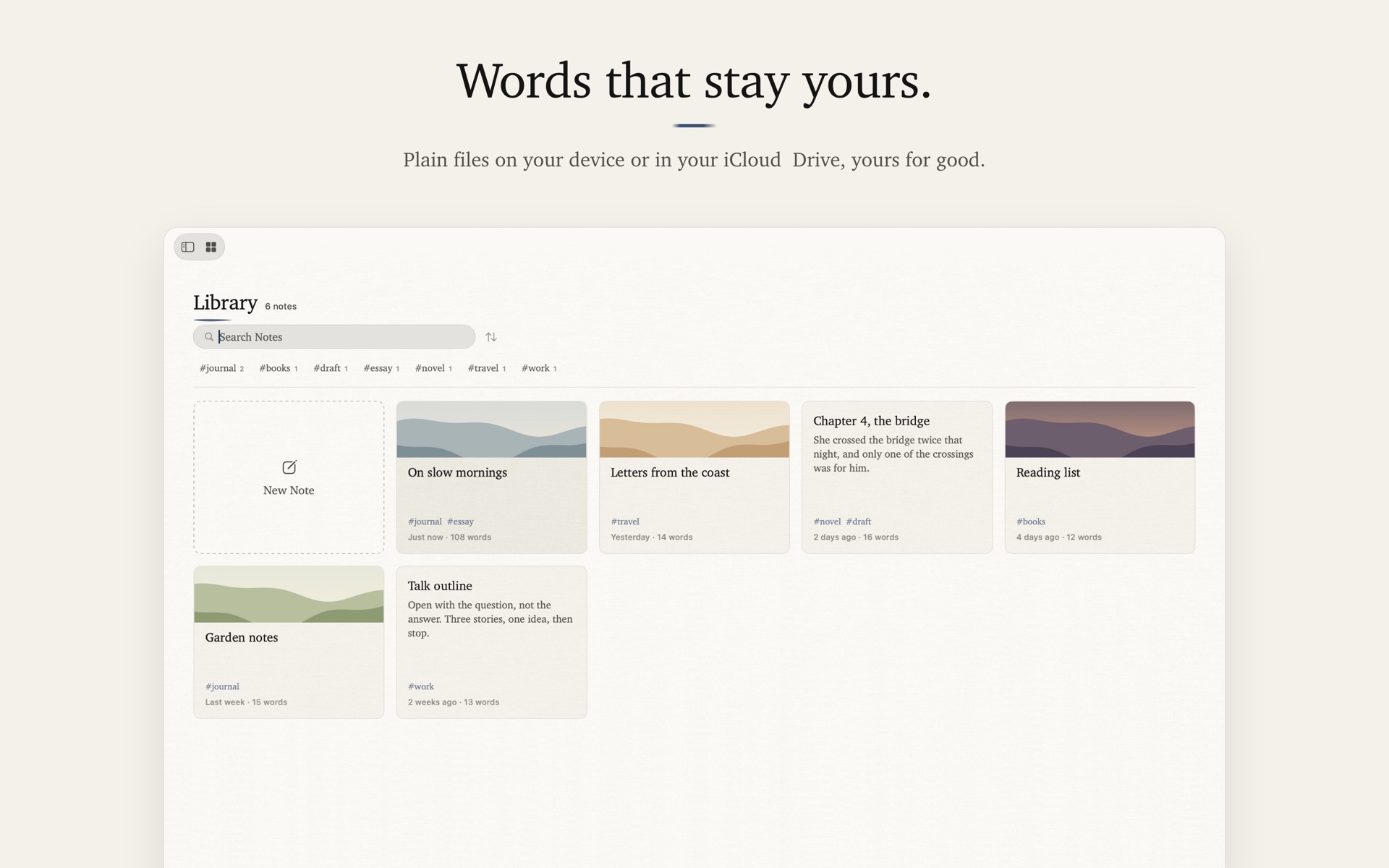
Every note is a plain .md file in a folder on your device. Images go to an assets/ folder right beside them. Open your notes in any other editor, back them up however you like, and never worry about lock-in.
-
Sync with iCloud: Turn it on and your library lives in your own iCloud Drive, so the same notes are on your Mac, iPhone and iPad
-
Tags: With suggestions from your library, plus tag filters
-
Front Matter: YAML or TOML, generated from templates you define with dates, tags, draft flags and custom keys
-
Notes in Several Languages: Write one note in several languages as tabs, each saved as its own file
-
Writer's Notes: A private memo beside each note, never exported
Images, Beautifully
Resize, rotate, flip, crop and filter images without leaving the page, and give any note a cover image.
Share Your Work
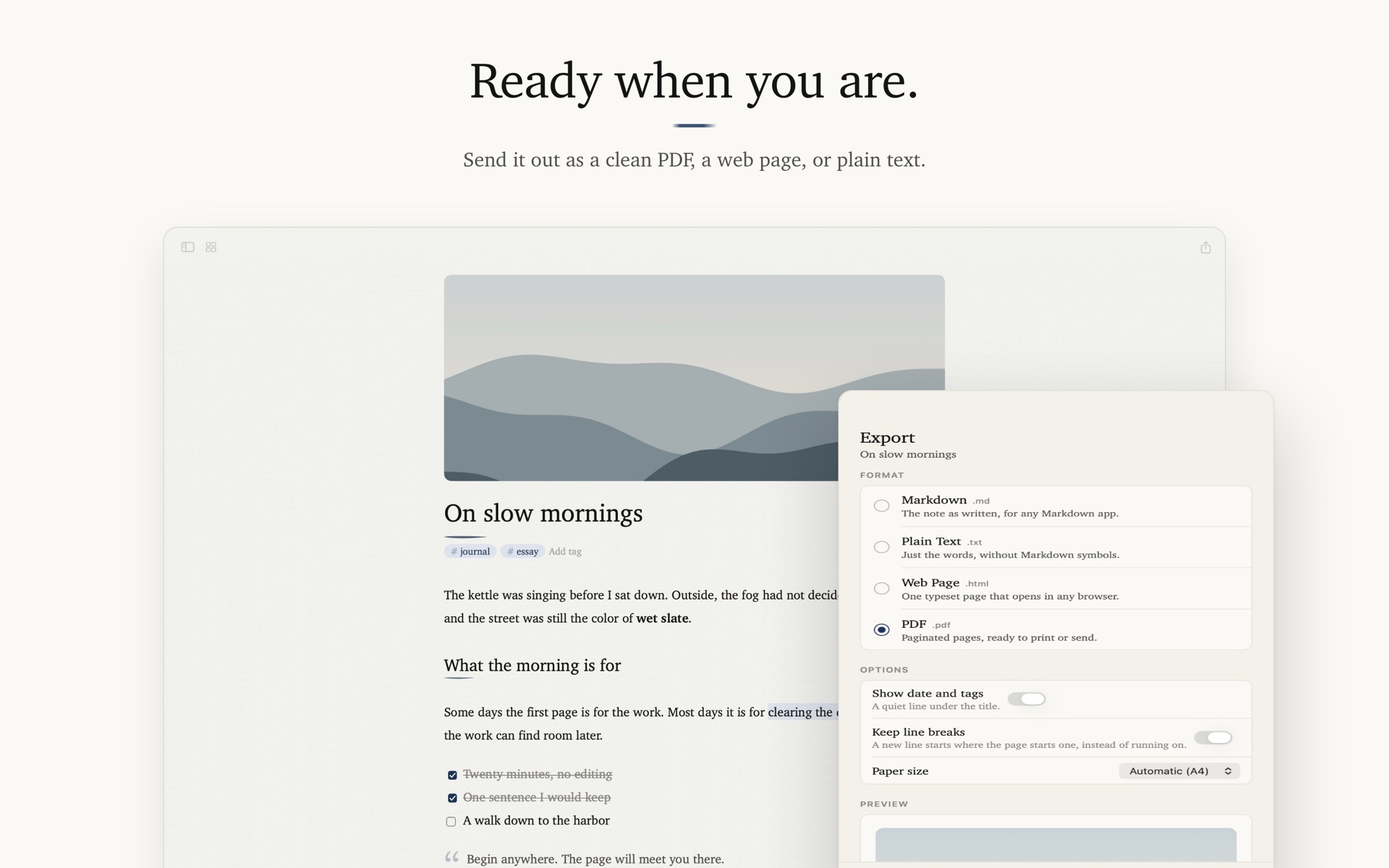
Export to Markdown, plain text, standalone HTML, or a paginated PDF that's ready to print or send.
Made for Reading
Light and dark themes on warm paper, set in Charter, with Nanum Myeongjo for Korean. Adjust the line width and choose ruled, grid, or dotted paper.
Available in 3 Languages
English, Korean, and Japanese.
Privacy First
Inkfurrow does not collect, store, or transmit any personal data. There are no accounts, no tracking, and no servers of mine. Your notes stay on your device as plain files, or in your own iCloud Drive if you turn on sync.